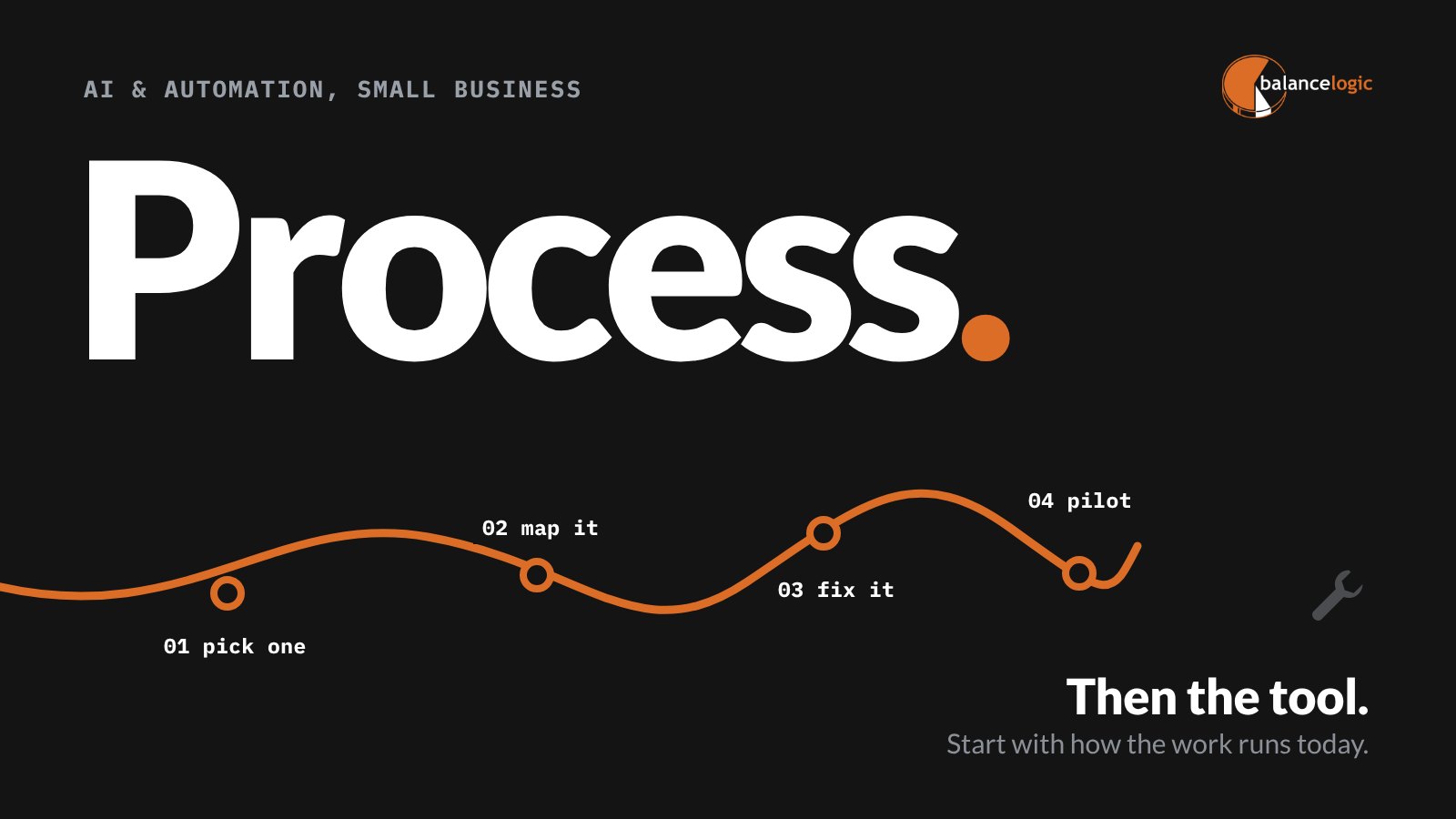
The fastest way for a small business to get real value from AI and automation is to pick one repetitive process, map it step by step, and fix it before you choose any tool. The tool comes last, because automating a messy process just makes the mess happen faster.
This post gives you a five-step method, a simple scorecard for picking your first process, and the guardrails to put in place before anyone connects AI to company data.
Why starting with the tool stalls
Most AI and automation projects in small businesses start the same way. Someone sees a great demo, buys a license, and asks the team to “find ways to use it.” A few months later, the tool is half set up, three people use it differently, and nobody can say what it saved.
The problem isn’t the tool. It’s that nobody decided what job it was hired to do. When you start with a process, you know what success looks like before you spend anything.
Step 1: Pick one process with a scorecard
Good first candidates are boring on purpose. Score each process you’re considering from 0 to 2 on these five questions:
| Question | 0 | 1 | 2 |
|---|---|---|---|
| How often does it happen? | Monthly or less | Weekly | Daily or many times a day |
| Does it follow clear rules? | Mostly judgment calls | Some rules, some judgment | Same steps every time |
| Is the information already digital? | Paper or phone calls | Mixed | Forms, email or software |
| Do mistakes cost you? | Rarely matters | Some rework | Lost revenue, unhappy clients or risk |
| Is there one person who owns it? | No | Sort of | Yes, and they want it fixed |
Start with the highest score. A process that scores 8 or more out of 10 is usually a strong first project. Common examples: new client onboarding, quote and invoice follow-up, routing web form leads, weekly reporting, and moving data between systems that don’t talk to each other.
Step 2: Map how it works today
Sit with the person who does the work and write down every step, exactly as it happens now. Not how it should happen. How it actually happens. For each step, capture:
- What starts it (an email, a form, a phone call, a date)
- Who does it and how long it takes
- Which systems and files they touch
- Where it gets handed to someone else
- What happens when something is missing or wrong
The handoffs and the exceptions are where time disappears. They’re also where automation tends to break if you skip this step.
Step 3: Fix the process before you automate it
Once it’s on paper, the waste is usually obvious. Cut steps that exist only because “we’ve always done it.” Standardize the inputs: one intake form instead of three email templates. Decide who approves what. Cleaning up the process often saves time on its own, before any software is involved.
Step 4: Decide what needs automation and what needs AI
These aren’t the same thing, and the difference matters for cost and risk.
- Automation follows rules you define. When a form is submitted, create the client record, start the project board, send the welcome email. It’s predictable and easy to test. Platforms like Make.com and monday.com are built for this.
- AI handles work that needs some interpretation: summarizing a long intake call, drafting a first reply, sorting incoming emails by topic. It’s powerful, but it can be wrong, so a person should review its output wherever a mistake would matter.
Most good workflows use mostly automation with a little AI at the specific steps that need it.
Step 5: Pilot, measure, then choose the tool
Now pick the tool, based on the systems you already use and the steps you mapped. Run a pilot with real work for a few weeks. Measure the same things you captured in Step 2: time per item, errors, and how long clients wait. If the numbers improve, expand. If they don’t, adjust the process before blaming the tool.
A hypothetical example: client onboarding
Picture a 20-person professional services firm. Today, a signed proposal triggers six manual steps across email, a spreadsheet and a project tool, and new clients sometimes wait days for a kickoff. After mapping and cleanup, a single intake form starts an automation that creates the client record, opens the project, assigns the team and sends a welcome email. AI summarizes the sales notes into a one-page brief for the project lead, who reviews it before kickoff. Nothing exotic. Just one process, done the same way every time.
Put guardrails in place first
Before anyone connects AI to company information, decide four things and write them down:
- What data can go into AI tools. Client records, financial data and anything under contract restrictions need clear rules.
- Who approves new AI tools. One person or one short process, so tools don’t appear on company cards unnoticed.
- Where a human reviews the output. Anything sent to a client or used for a decision gets a person’s eyes first.
- Who owns each automation. When something breaks or a system changes, someone needs to know it’s theirs.
Our free guide to SMB workflows worth automating with AI has more examples to score.
Where we fit
At Balancelogic®, AI and automation sit in the Modernization discipline of The Balancelogic MTP Framework™: building what’s next on top of a plan. Our AI and automation consulting starts with your workflows, not a product list, and our teams build on platforms including Make.com and monday.com. See the full range on our AI and automation services page.
Have a process in mind already? Tell us what you’re working on and we’ll help you score it.
Frequently asked questions
What is the best first process to automate in a small business?
Pick a process that happens often, follows clear rules, uses information that’s already digital, costs you when it goes wrong and has one owner. Client onboarding, lead routing and invoice follow-up are common first choices.
What is the difference between AI and automation?
Automation follows rules you define, such as creating a record when a form is submitted. AI handles work that needs interpretation, such as summarizing notes or drafting a reply, and its output should be reviewed where mistakes matter.
Should we choose an AI tool before mapping our processes?
No. Map and fix the process first, then choose a tool that fits the steps and the systems you already use. Starting with the tool often leads to licenses nobody uses.
What guardrails should a small business set before using AI?
Decide what data can go into AI tools, who approves new tools, where a person reviews AI output and who owns each automation. Write those decisions down and share them with the team.
This article is general information, not legal or professional advice for your specific situation.